How to buy tickets
Screens are examples. Prices, fees and availability can change; checkout images use a fictional order.
Step 1
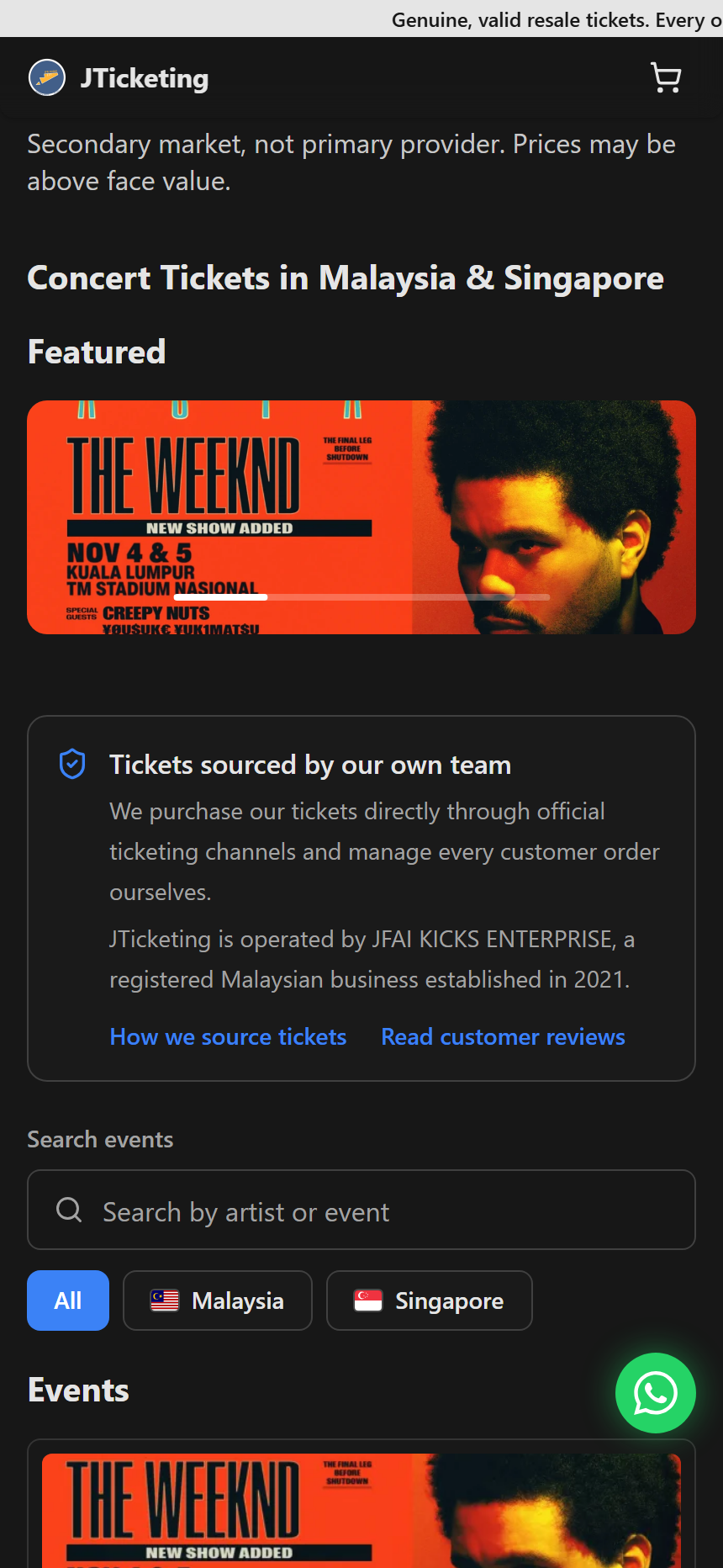
Find your event
Search for an artist or event, or browse concerts by country. Open the event you want.
Step 2
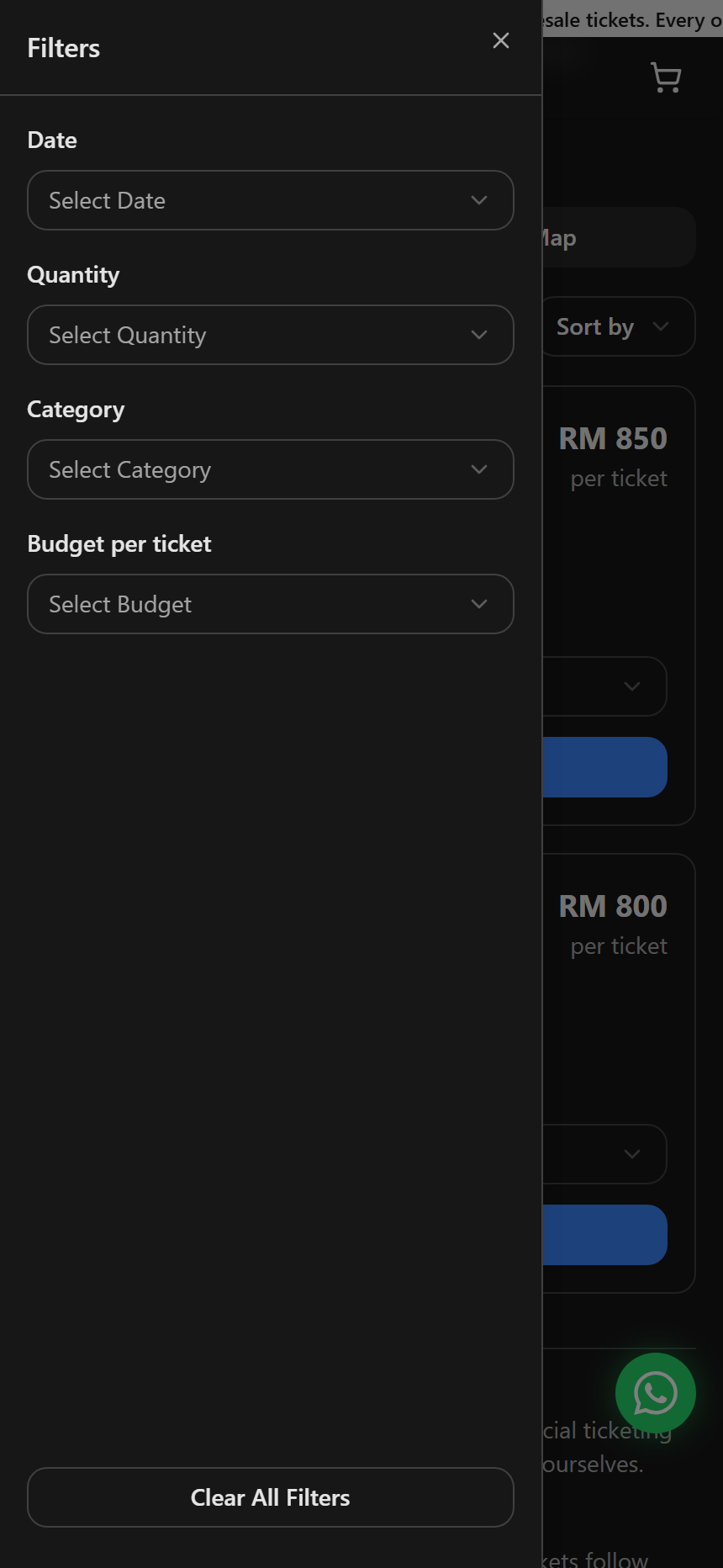
Narrow your choices
Use Filters to narrow the available tickets by date, quantity, category, or budget. This step is optional.
Step 3
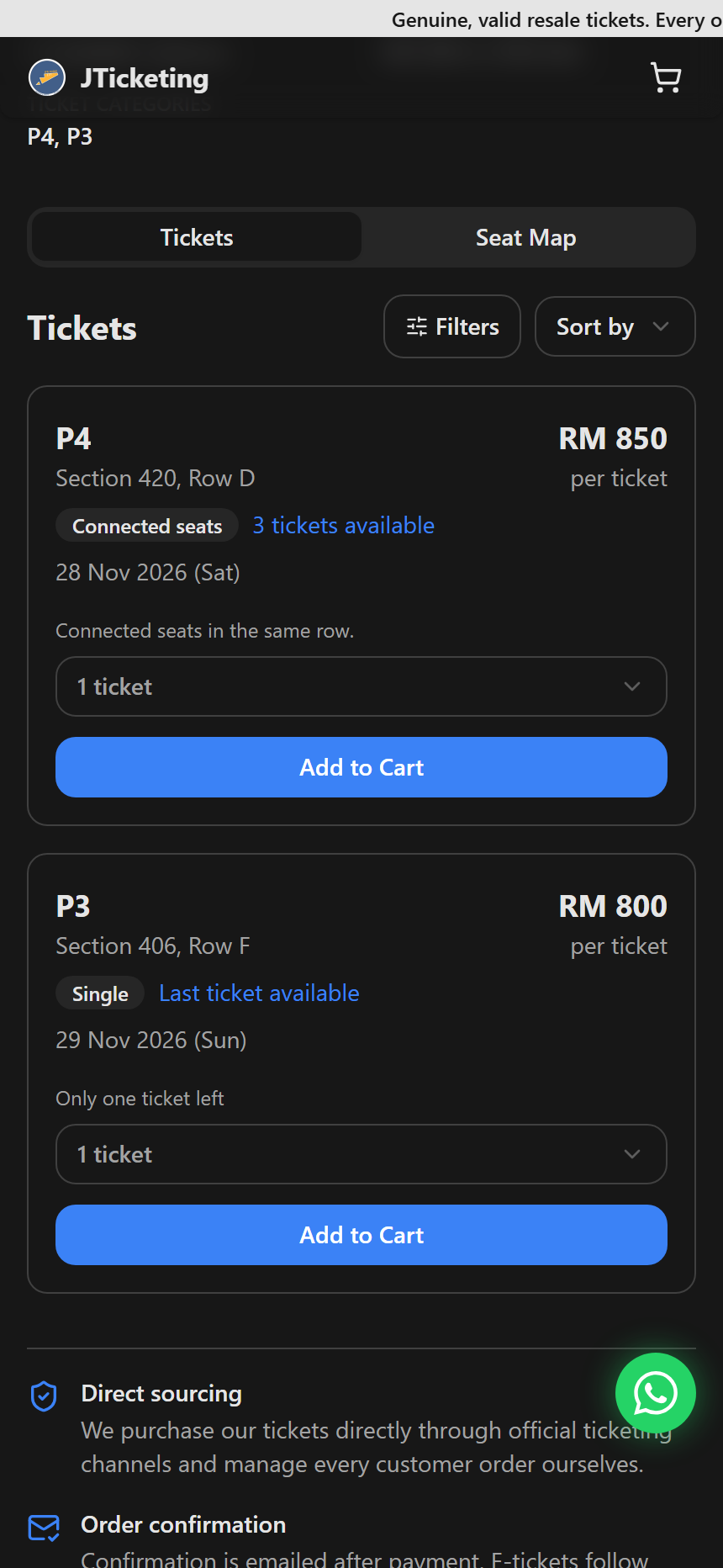
Choose your tickets
Check the date, section, row and price. Tap Seat Map to compare areas, then return to Tickets. Choose a quantity and tap Add to Cart.
Step 4
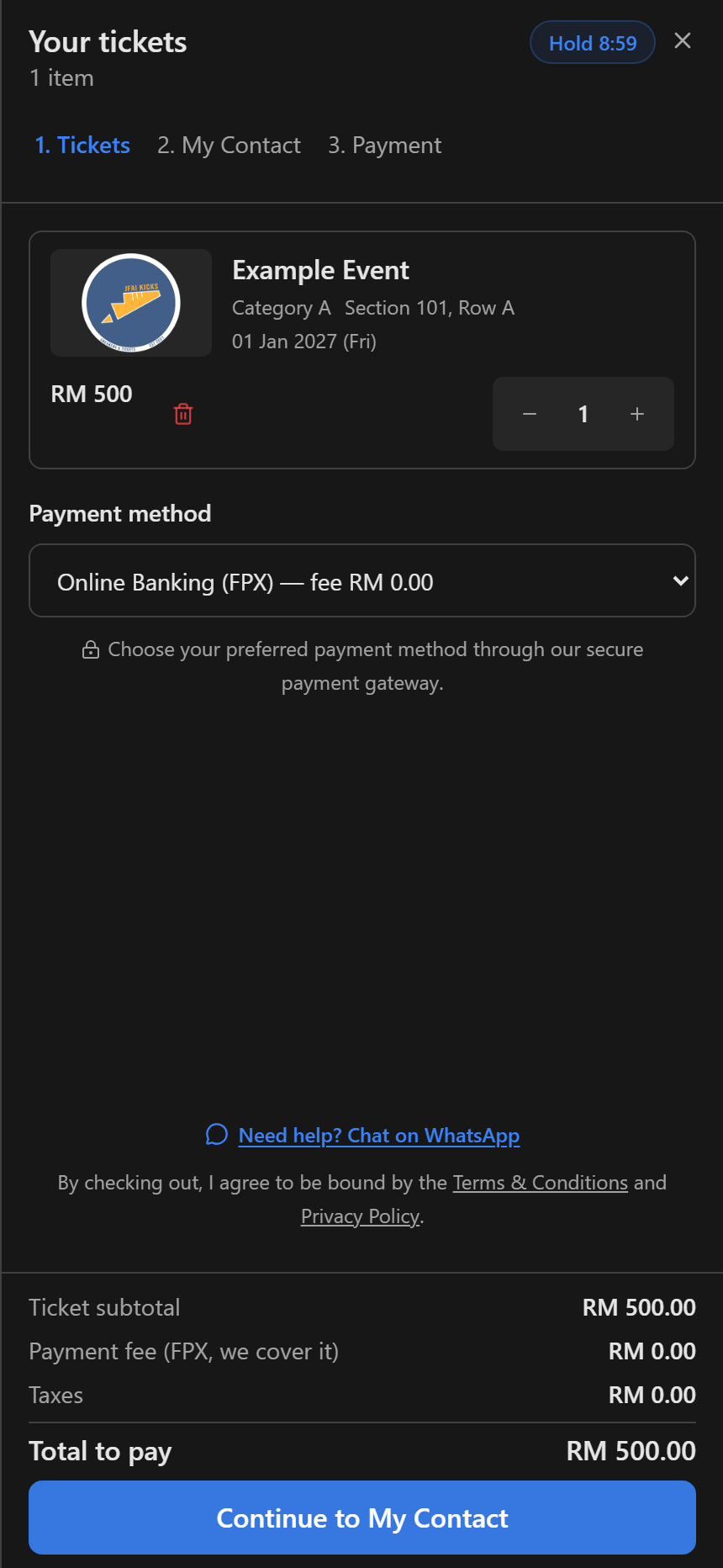
Review your cart
Check the ticket details and choose a payment method, then select Continue to My Contact.
Step 5
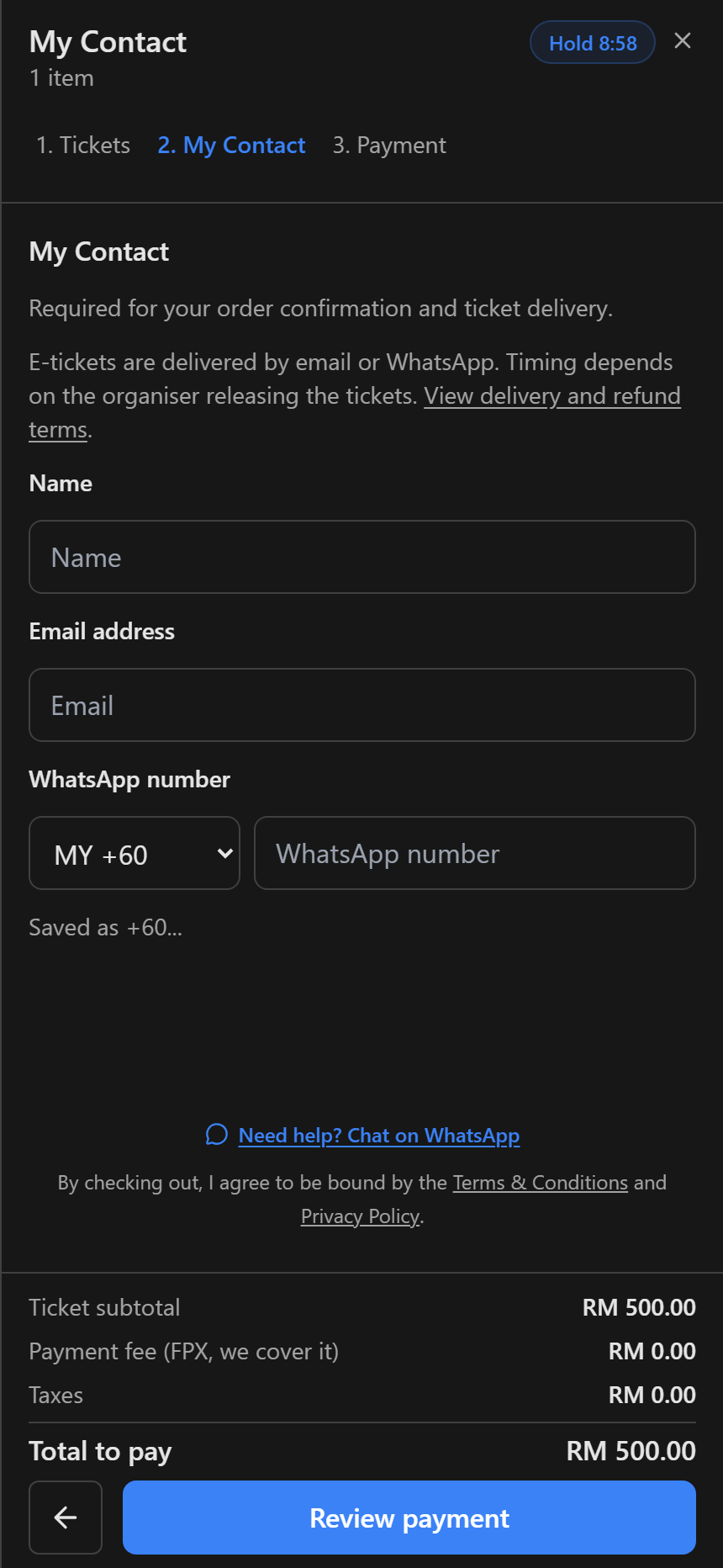
Add your contact details
Enter your name, email and WhatsApp number, then select Review payment.
Step 6
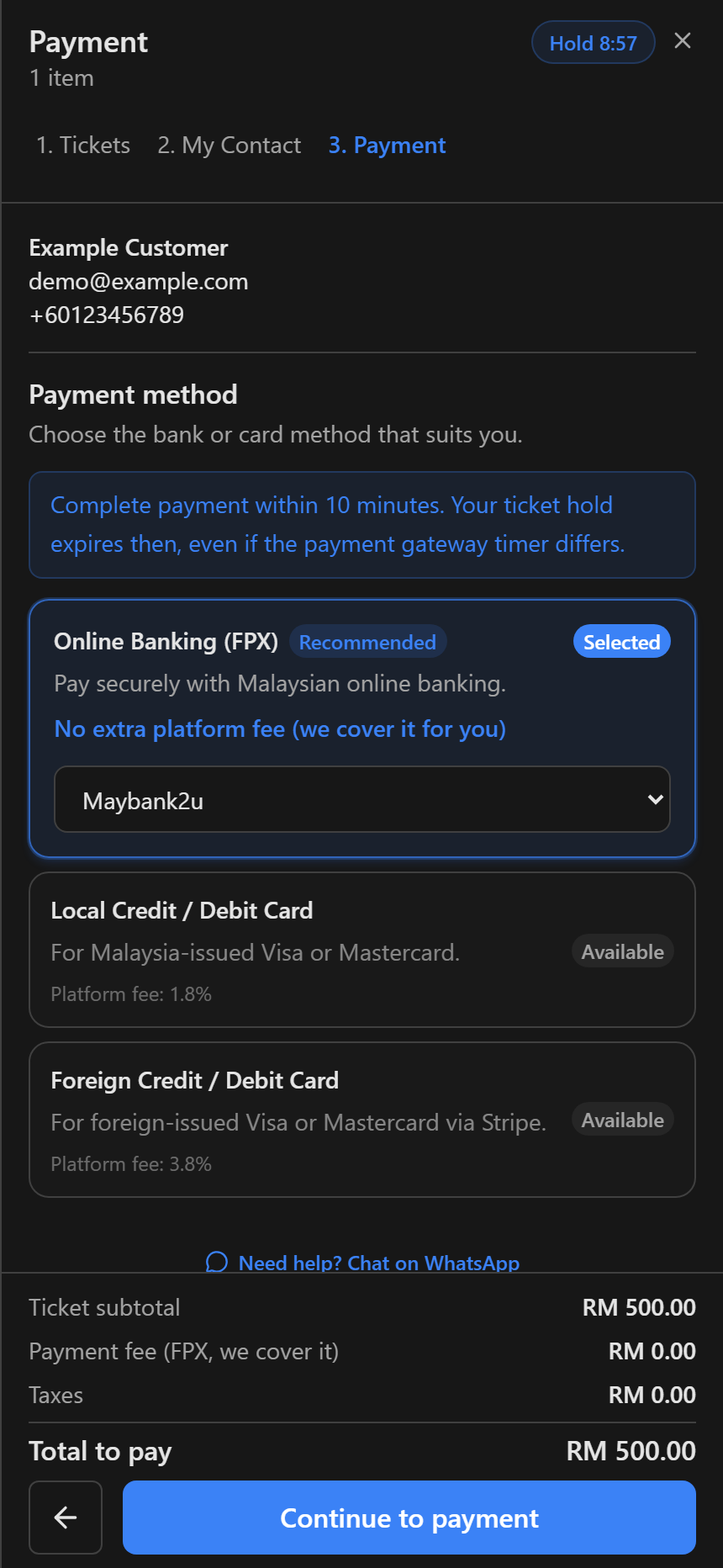
Review and pay
Check your payment method, any fee and the total. Complete the security check if shown, then continue to payment and pay with the provider.
Step 7
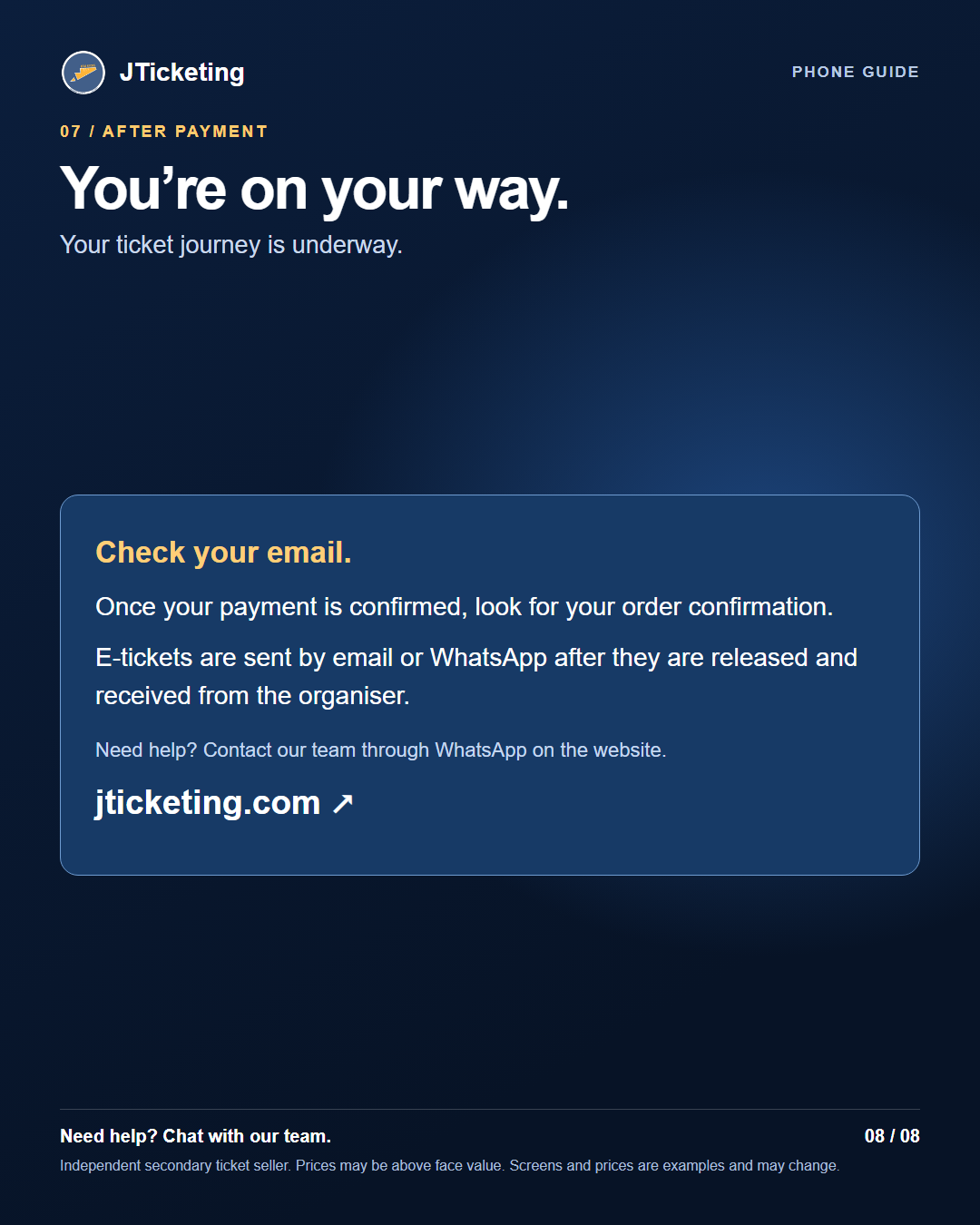
Check your confirmation
After payment is confirmed, look for your order confirmation email. E-tickets are sent by email or WhatsApp after the organiser releases them. A ticket is secured only after payment is completed.
Confirmation shown as an illustration; no order was placed for this guide.